Free Accessible Metronome Apps for Blind and Low-Vision Musicians

Editorial guide

Free Accessible Metronome Apps for Blind and Low-Vision Musicians

A practical comparison of free metronomes that work with screen readers, magnification, keyboards, browsers, and voice commands.

Reader route
Best for Readers, families, and instructors
Use this page to Get oriented before going deeper
Next move Open related guides and checklists
Published September 18, 2026
Briefing

The best choice varies by workflow: some musicians prefer typing exact beats-per-minute values through a keyboard, others rely on voice commands for a completely hands-free experience, and many benefit from visual pulse indicators paired with tactile controls. This guide compares the most practical free options across those different approaches.

Best acsesibal music creater for blind person eazzy track maker for blind

How to creat background music for visually impaired person How to make music with TalkBack How to use drum pad machine for ...

  • Channel: Bundeli Education

Video source: Bundeli Education

Rapid read

Key takeaways

  • 01Soundbrenner works with VoiceOver and TalkBack and accepts typed tempo values, although its dial and enlarged Android settings can be difficult for some users.
  • 02Gibson and FluteTunes run in a browser without an account; both accept keyboard tempo entry, while FluteTunes also offers tap tempo and a high-contrast beat indicator.
  • 03TempoPerfect is fully accessible with VoiceOver on iPhone and iPad, but its visual effects do not track the beat reliably and it has no dark mode.
  • 04The Simple Metronome Alexa skill is useful when a musician wants to set tempo and beats per measure without looking at or touching a screen.
01

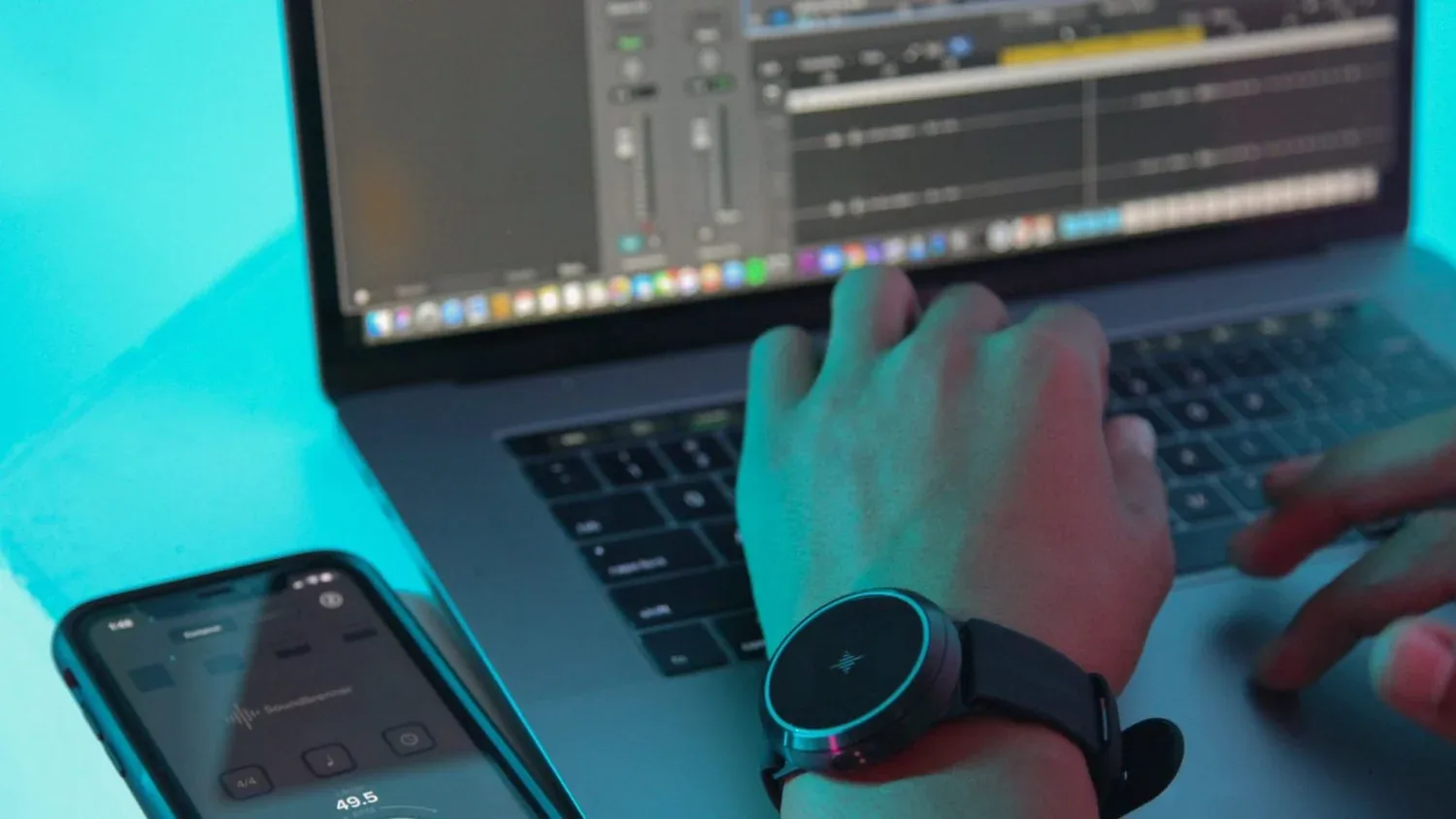
Soundbrenner is a free mobile app that provides full VoiceOver and TalkBack support, making it one of the strongest choices for musicians who depend on screen people. It covers a wide tempo range and includes subdivisions, multiple time-signature presets, a built-in tuner, practice tracking, and customizable click sounds.

Setting it up can present hurdles for low-vision users. The Android version ships with large display-scaling settings that may obscure navigation elements, so initial configuration often requires assistance from a sighted colleague or caregiver. Additionally, some VoiceOver users report difficulty operating the rotary tempo dial, though typing a specific BPM value directly into the keyboard field tends to be a smoother alternative.
Free Accessible Metronome Apps for Blind and Low-Vision Musicians
02

Gibson Metronome runs entirely within a web browser and requires no app installation or account creation. The site uses a single-column, dark-color layout that reads clearly on enlarged displays, and it supports typed tempo input, subdivisions, time signatures, and accented beats. For users who zoom text or activate browser magnification, the page remains legible and straightforward to navigate.

FluteTunes extends the reach further by offering a broader tempo range, keyboard-arrow controls, and a tap-tempo feature alongside its high-contrast yellow beat indicator. The visual pulse marker proves useful for choreography instruction and rhythm training, letting students track timing with both ears and eyes during practice sessions.

Free Accessible Metronome Apps for Blind and Low-Vision Musicians
03

TempoPerfect provides a free desktop application for Windows and macOS, supporting VoiceOver narration on compatible systems. The program offers precise tempo control, eight subdivision modes, and several time-signature options, though the source did not independently test the computer versions.

The app does not include a dark-mode theme, and its screen-refresh behavior produces visual flicker that does not always correspond cleanly with the audio beat. That limitation matters most to users who rely on visual timing cues rather than auditory feedback or screen-reader output, but it is less disruptive for those who primarily use the tool as an audio reference.

Free Accessible Metronome Apps for Blind and Low-Vision Musicians
04

Google's built-in metronome tool appears directly in search results and operates as a free browser control on both desktop and mobile devices. A slider adjusts tempo within a moderate range, and the interface presents a steady click accompanied by a small animation. No download or account is necessary to begin using it immediately.

The tool omits advanced features such as subdivisions, time-signature selection, accent beats, and tap-tempo input. However, that stripped-down design can be an advantage for orientation and mobility exercises, rehabilitation drills, or any practice scenario where only a consistent pulse is needed rather than complex rhythmic structure.

05

The Simple Metronome Alexa skill enables entirely voice-controlled tempo management on Echo devices and other compatible smart speakers. Users speak commands to set beats per minute and choose measures ranging from one to seven, then the skill plays timed patterns for sessions lasting up to ten minutes.

Voice operation eliminates the need to locate physical dials or navigate on-screen menus, making it especially valuable for musicians who are simultaneously holding an instrument or moving through a lesson. Once the skill is enabled, a spoken request for tempo and meter is sufficient to begin practicing without any manual interaction.

FAQ

Frequently asked questions

01Which free metronome works with both VoiceOver and TalkBack?

Soundbrenner supports both iOS VoiceOver and Android TalkBack. Users who find the rotary dial difficult to operate can type a specific BPM value directly through the keyboard interface instead.

02Which accessible metronome does not require a download?

Gibson Metronome, FluteTunes, and Google Metronome all run inside a web browser with no installation needed. Gibson and FluteTunes offer richer timing controls, while Google provides the simplest quick-access option.

03Can a metronome be controlled entirely by voice?

Yes. The Simple Metronome Alexa skill responds to spoken tempo and beats-per-measure commands on any compatible Echo device, allowing completely hands-free operation during practice.