Practical Ways to Identify Money With Low Vision

Editorial guide

Practical Ways to Identify Money With Low Vision

A closer look at Practical Ways to Identify Money With Low Vision and the details that shape the outcome.

Reader route
Best for Readers, families, and instructors
Use this page to Get oriented before going deeper
Next move Open related guides and checklists
Published July 20, 2026
Briefing

The strongest setup pairs a low-tech backup with an accessible app. A folding pattern or braille mark works when your phone is out of reach, while currency apps handle worn bills or unfamiliar notes that are hard to distinguish by touch alone.

Episode 10: How Does Seeing AI Recognize Food, Money, and Text for People with Vision Loss?

Episode Description Living with Vision Loss Podcast Episode 10: How Does Seeing AI Recognize Food, Money, and Text for ...

  • Channel: Living With Vision Loss

Video source: Living With Vision Loss

Rapid read

Key takeaways

  • 01Store each denomination with a different fold or orientation.
  • 02Use a currency identification app before reaching the checkout when possible.
  • 03Keep a tactile or braille labeling method available as a non-electronic backup.
  • 04Confirm which currencies an app supports before traveling.
  • 05Ask for accessible help when a bill cannot be identified confidently.
01

Assign each bill a distinct fold and practice until the shapes feel automatic. One common approach keeps the one-dollar bill flat, folds the five-dollar bill once, and creases the twenty into quarters. The exact pattern matters less than using the same one every time.

Fold bills immediately after identifying them. A pile of unfolded cash quickly turns into a guessing game, so take a moment right after a transaction to sort notes into separate wallet compartments by shape.

Folding is free, private, and available whenever you don't want to pull out your phone. Its main limitation is that you must know the value before you fold, so pair this method with a camera app or a trusted cashier for new or damaged bills.
Practical Ways to Identify Money With Low Vision
02

Got braille? A portable embosser like the Click Pocket lets you press braille numerals onto the edge of a paper bill without damaging it. This creates a quick tactile marker you can feel even in dim light or while wearing gloves.

Press the bill's edge into the device and aim for a consistent spot on every note. Keeping the mark in the same location prevents confusion between a denomination label and a random crease.

These embossers are inexpensive, often costing around $6 at accessibility retailers like Maxi-Aids, and they are sometimes given away at disability conferences. Test the impression at home first to ensure it reads clearly, and keep a backup method for heavily worn currency where the paper may be too soft to emboss.

Practical Ways to Identify Money With Low Vision
03

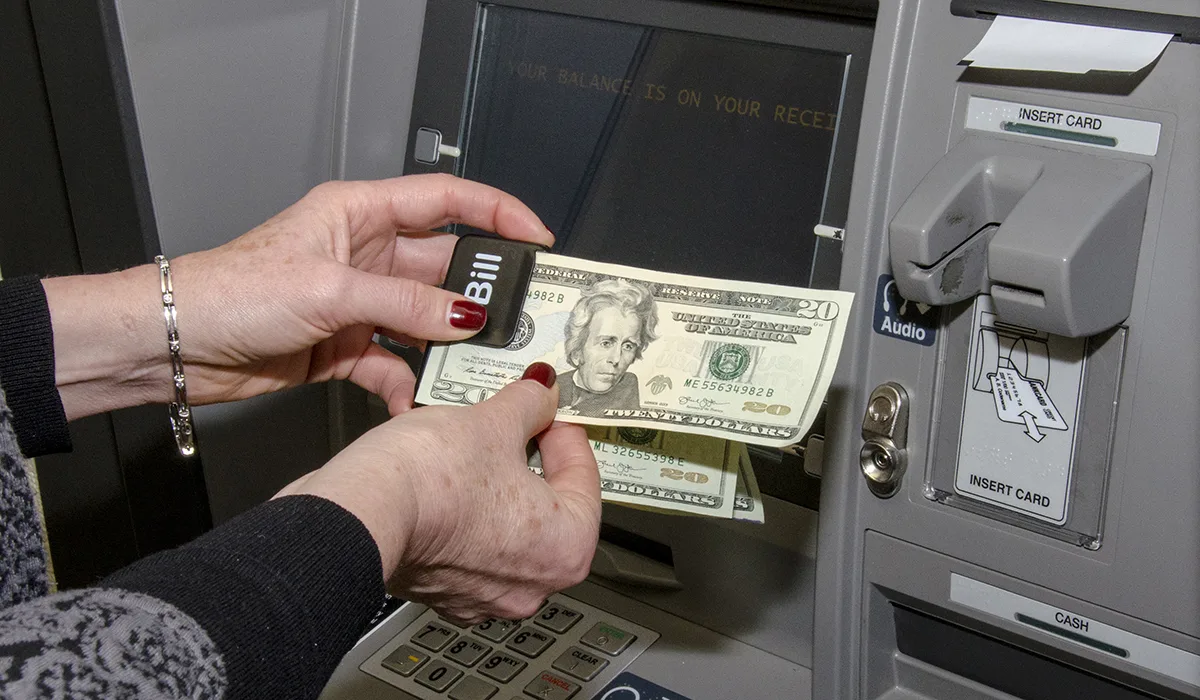
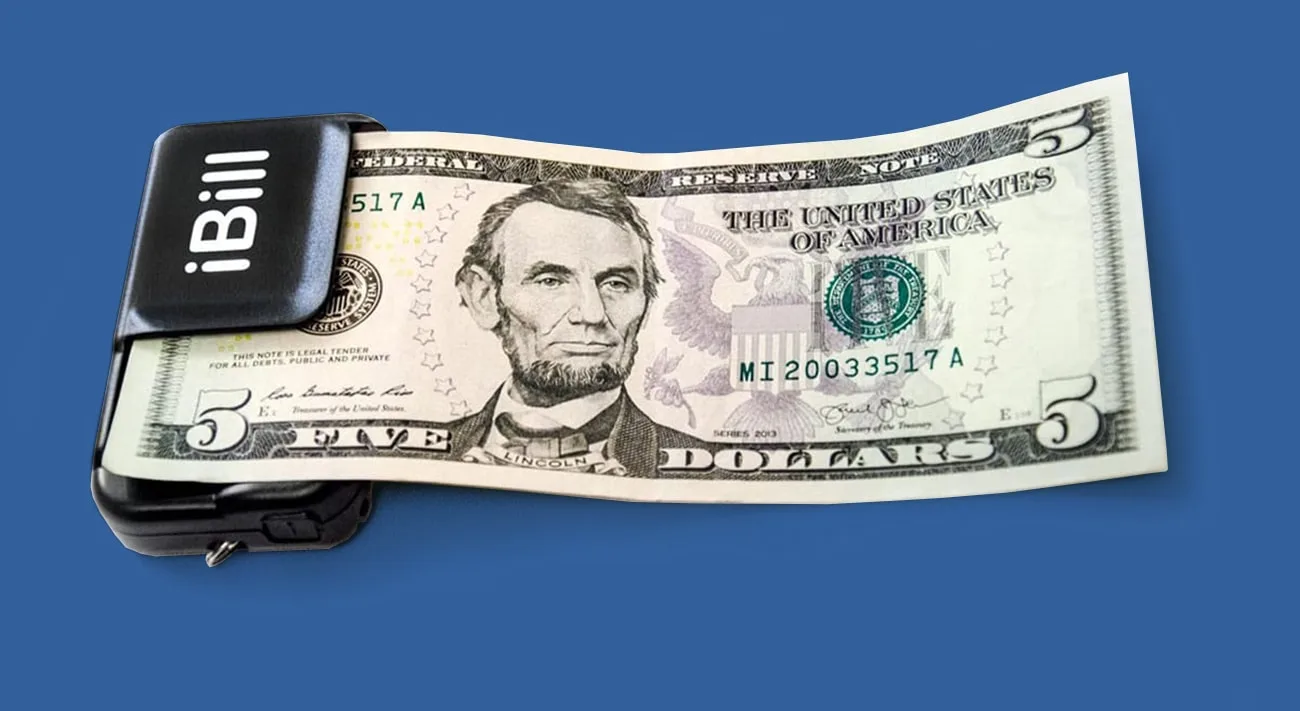
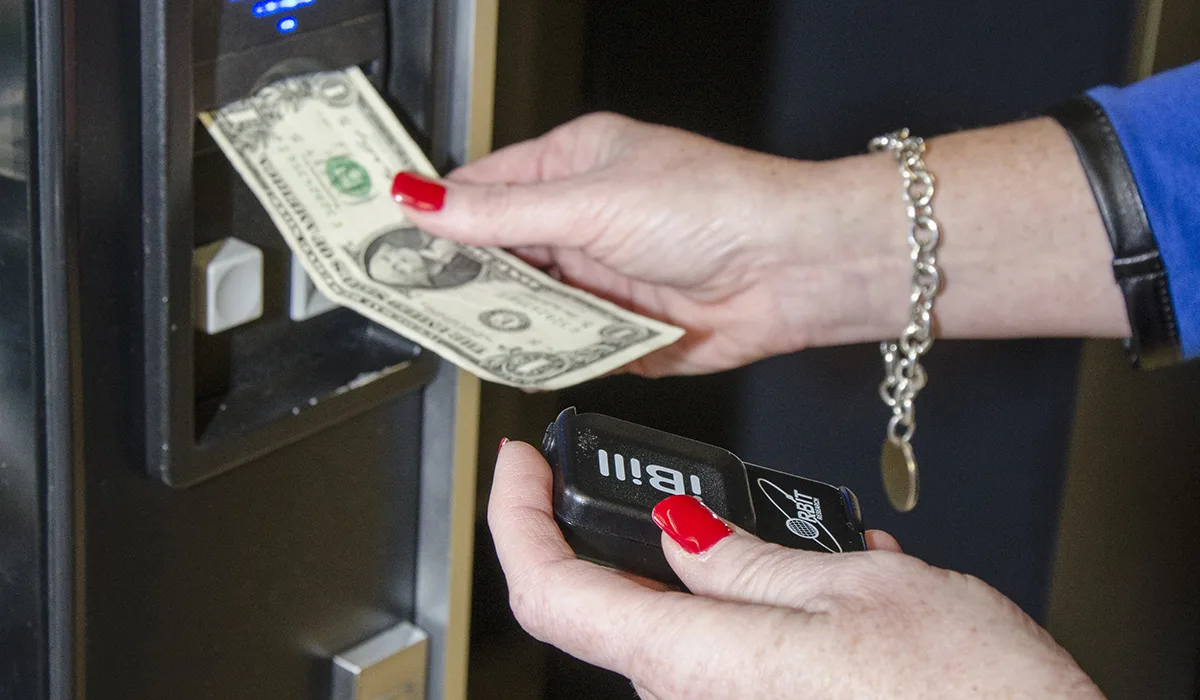
Smartphone cameras turn your phone into an instant magnifier and identifier. Hold a single bill flat against a contrasting surface, flatten major folds, and move the camera slowly until the app announces a stable denomination.

On iOS, EyeNote continuously scans bills as soon as you open it and can indicate whether the front or back is facing the camera. Developed by the US Bureau of Engraving and Printing, it identifies denominations but cannot verify whether money is counterfeit.

Android users can access Google Lens through the Camera app or tap the camera icon in the Google Assistant interface. Google Lookout is another dedicated option that reads currency placed in front of the lens. Because menu locations vary by device, test the workflow on your specific phone before relying on it during a rush.

Practical Ways to Identify Money With Low Vision
04

Microsoft's Seeing AI supports US bills and over fifteen international currencies, making it a solid choice for travelers. It also works conveniently if you already use the app for other reading tasks, though you should confirm the current supported currency list and install updates before a trip.

Camera-based apps generally perform better with paper currency than with coins. Glare, shadows, overlapping bills, and motion can reduce accuracy, so if a scan gives inconsistent results, reposition the bill or ask a companion to confirm the value rather than guessing.

At a checkout counter, efficiency and privacy matter. Open your preferred app before you get in line, keep the camera focused only on the transaction, and close it afterward. Stick to well-known accessibility tools rather than apps requesting unrelated account permissions or payment credentials.

05

Sort your cash before leaving home. Identify each bill, apply your chosen fold or braille mark, and place denominations in dedicated wallet slots so you rarely need to scan while standing in line.

Keep a reserve of known bills separate from loose change. When a cashier hands back several notes, take a moment to identify and stack them correctly before putting them away, especially if the setting feels safe and unhurried.

Many countries already print bills with large high-contrast labels or tactile designs, while the US is working toward adding similar features to its next bill redesign. Although earlier targets suggested a rollout around 2020, official updates have been limited, so check current details before assuming newer bills will include these markers. International travel also requires extra preparation because bill sizes, app support, and coin values vary widely.

06

No app is infallible, especially with torn or stained bills. If a scan feels uncertain, ask a cashier or travel companion to state the value, then verify with another method before completing the exchange.

For banking tasks or large cash exchanges, count and organize money in a quiet setting. Request accessible assistance from the bank when needed, and keep a clear record of the denominations received before leaving the counter.

After a few real-world uses, tweak your routine. If two folds feel identical or an app takes too long to open, adjust the pattern or switch tools. A useful money-identification system should work comfortably under ordinary lighting, noise, and time pressure.

FAQ

Frequently asked questions

01How can I add a tactile mark to paper bills?

Got braille? A portable embosser like the Click Pocket presses braille numerals onto the edge of a bill without damaging it. You can find one for around $6 at accessibility retailers, and it works well alongside a folding system.

02Do currency apps work as well for coins as they do for bills?

Apps like Microsoft's Seeing AI identify paper currency reliably, including US and many international bills, but coin recognition can be inconsistent. It is best to treat camera apps as a primary tool for notes rather than coins.

03Is the US adding tactile features to newer bills?

Several countries already use tactile or high-contrast labels on their currency. The US has discussed adding these features to future bill designs, though specific rollout timelines have been limited, so it is best to rely on current identification methods for now.